Weather ☔
The Weather input allows dry and wet weather periods to be scheduled. Speed limits can then be adjusted in the Signs input for each condition, enabling realistic modelling of driving behavior.
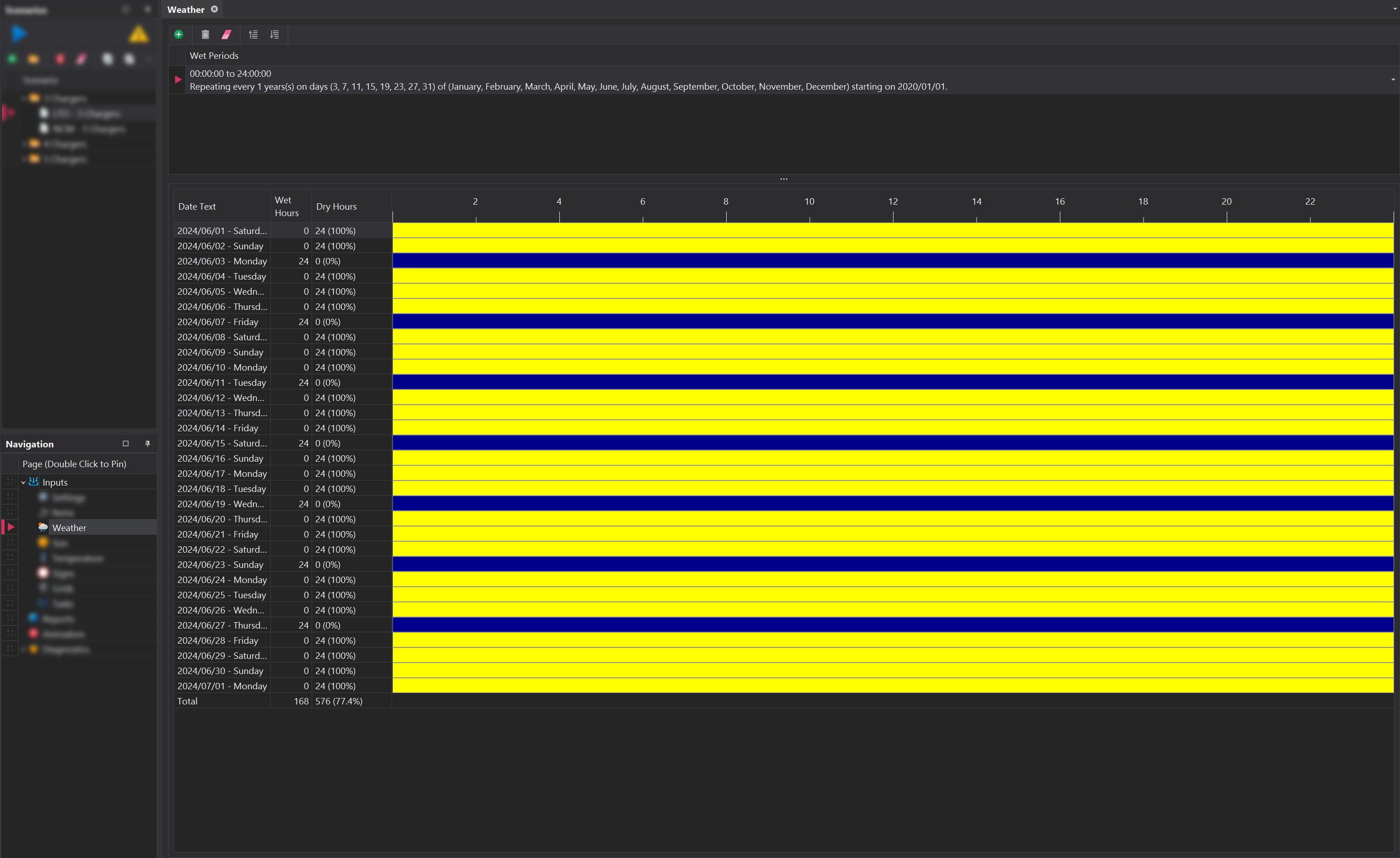
Wet Periods 💧
By default, the simulation runs with dry conditions, and wet periods need to be managed manually using the add and remove buttons in the toolbar located at the top. The process for configuring wet weather events can be found here at the Common Controls page.
Calendar 🗓️
Below the wet period entries, a calendar visually depicts the dry and wet events for the modelled Periods. Dry periods are represented by yellow bars and wet periods are represented by blue bars . Columns on the far left display the number of dry and wet hours for each relevant period for easy review.